 Whale Folder
A clearer view of your Mac files.
Whale Folder is a macOS file manager for browsing images, organizing downloads and keeping project folders close at hand. Work with tabs, large icons and a detailed list in one familiar window.
View on the Mac App StoreRequires macOS 14 or later. The app interface supports 39 languages. Check the App Store for the current price and availability in your region.
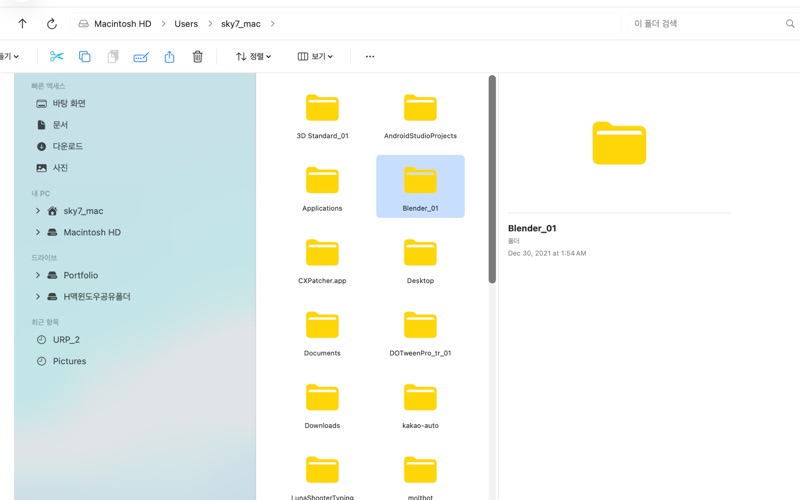
Keep your folders together
Open folders in tabs and switch between a project, its reference images and your downloads without losing your place.
See what you are choosing
Browse large thumbnails and preview images and files before deciding what to keep or organize.
Make everyday sorting simpler
Sort by name, date or size. Rename, copy, move, send files to Trash and create ZIP archives.
Start with a folder you choose. Install the Mac app, launch Whale Folder and select a folder in the macOS folder picker. Grant access when macOS asks, then choose icon or list view and open another folder in a tab.
Your files stay under your control. The app works with folders you authorize and processes file listings on your Mac. No account, advertising, analytics SDK or built-in cloud sync.